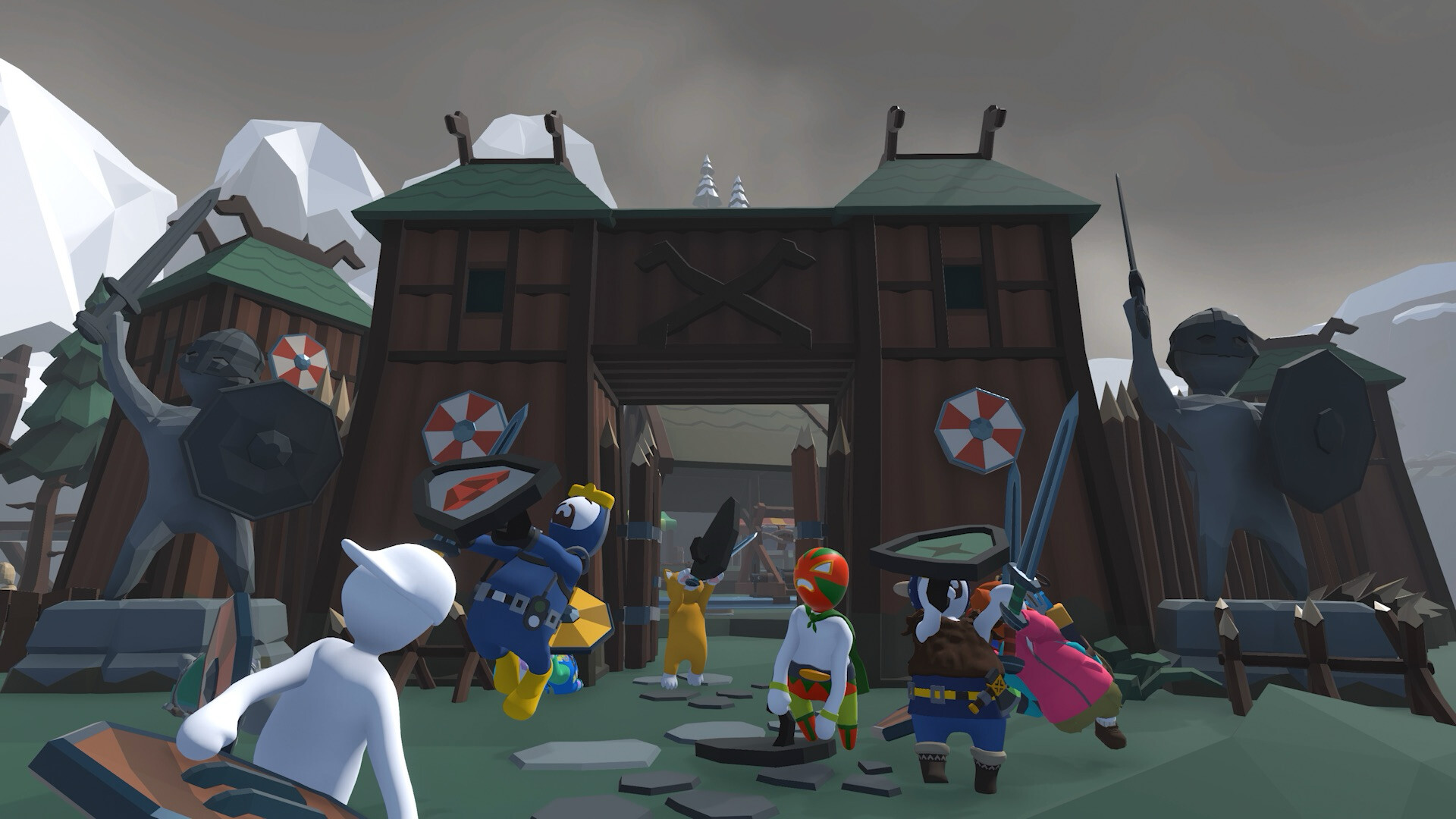
Basic Controls Guide
Human: Fall Flat movement manual - walk, run, grab, and basic climbing.
Welcome to the control center! In Human: Fall Flat, Bob’s wobbly limbs obey independent physical forces. To unlock advanced glitch movements or speedrun strategies, you must first master the basic control schemas below.
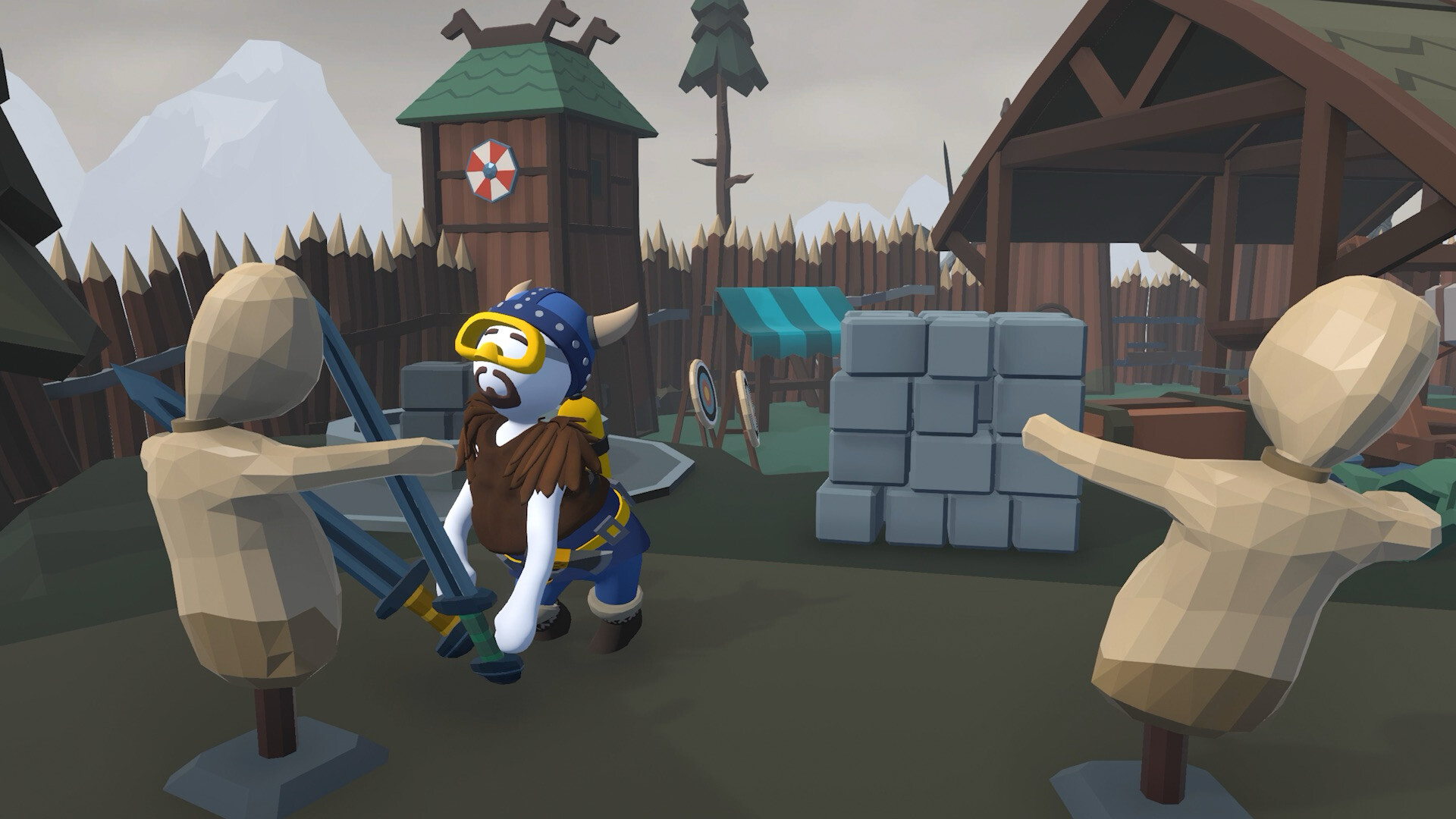
| Action Category | Action Description | Keyboard Mapping | Controller Mapping |
|---|---|---|---|
| Movement | Move Bob around | WASD | Left Stick |
| Camera | Rotate Bob’s head / camera | Mouse Move | Right Stick |
| Left Arm | Extend left hand to grab | Left Click | LT / L2 |
| Right Arm | Extend right hand to grab | Right Click | RT / R2 |
| Jump | Jump upwards (or jump forward) | Space | A Button / × Button |
| Run | Run forward with momentum | Shift | LS Click |
| Play Dead | Go limp instantly | T | B Button / ○ Button |
Human: Fall Flat movement manual - walk, run, grab, and basic climbing.
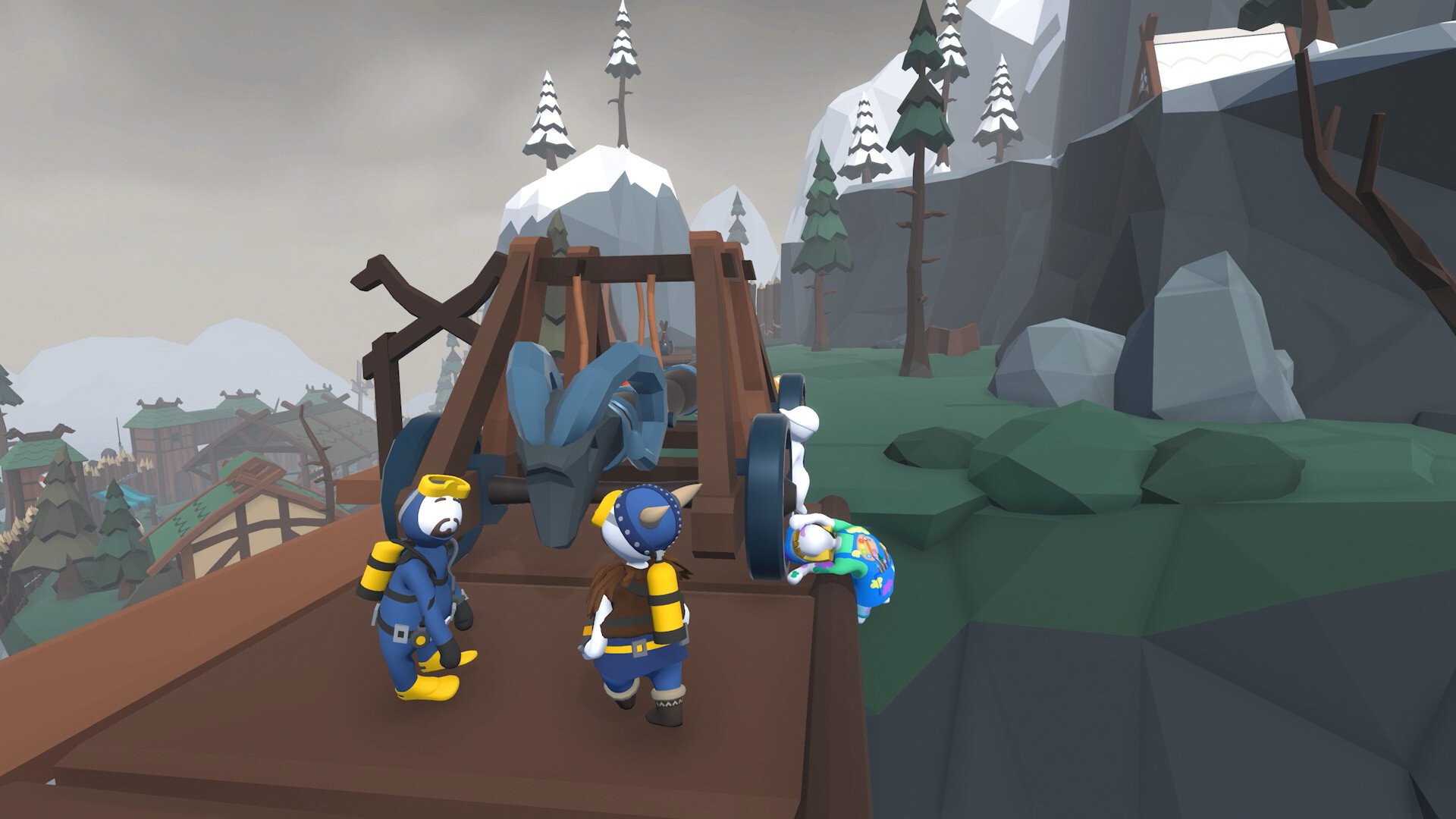
Master the most advanced community-discovered physics glitches and speedrun tricks in Human: Fall Flat.
Human: Fall Flat advanced physics mechanics guide - swinging, throwing, and wall climbing.